One purchase, everything included · macOS 14 or later · English and Simplified Chinese · No account, never goes online
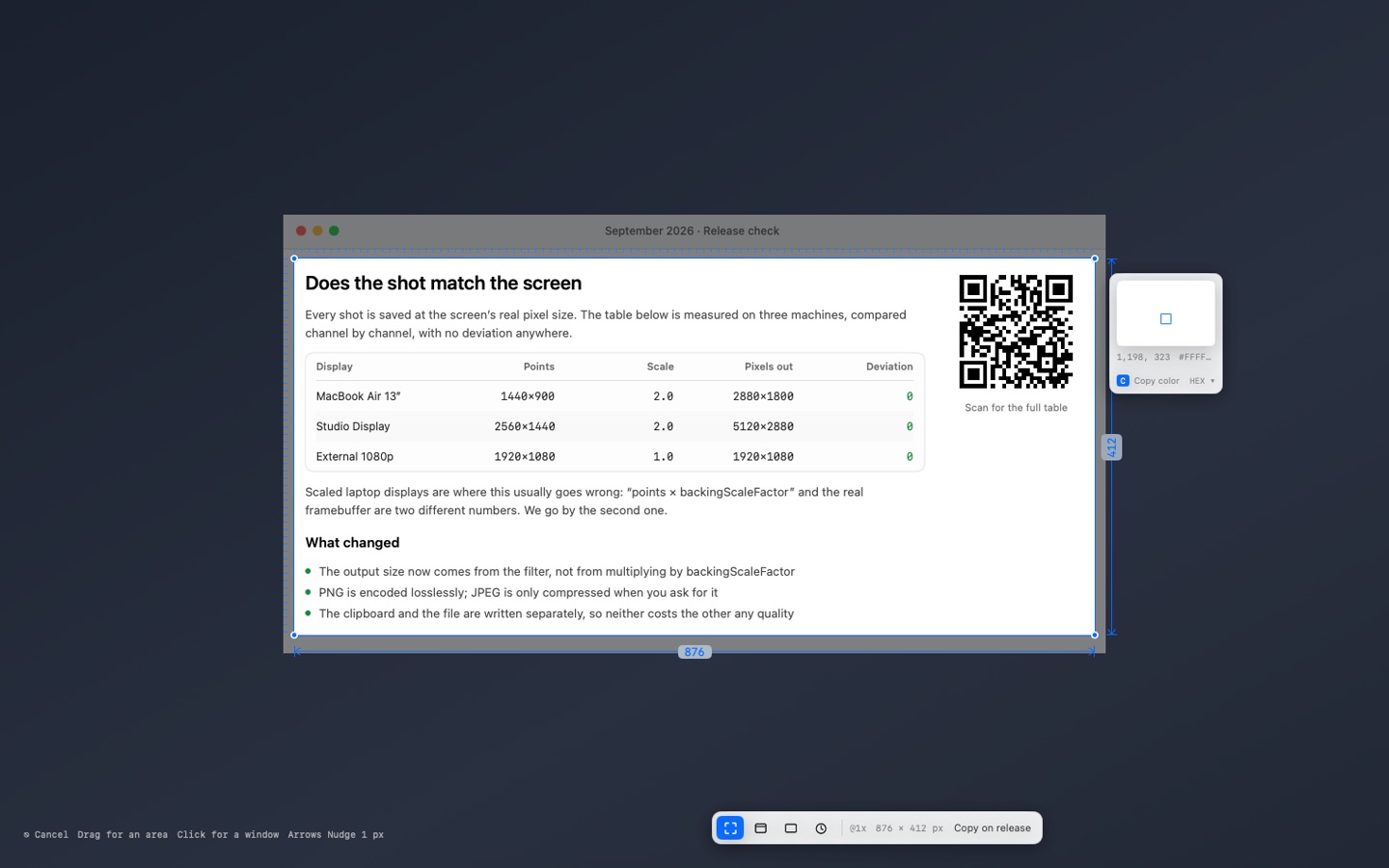
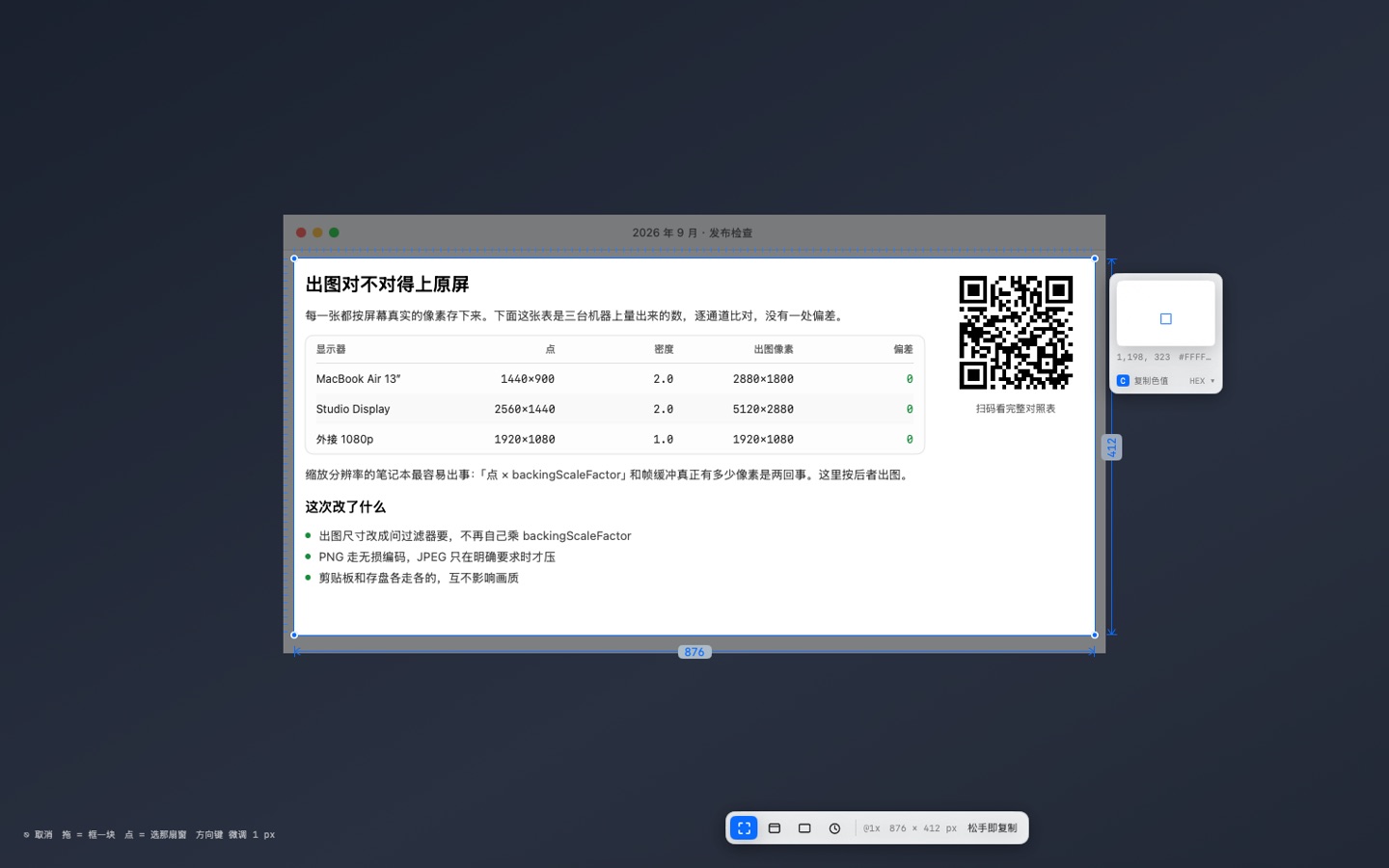
While you drag, the size and a magnifier stay on screen, so you can line up to the pixel. Arrow keys nudge by 1 px.
Press a shortcut, drag a box, let go. The shot is on your clipboard, saved to a folder, and open in an editor — at the real pixel size of your screen. Nothing is re-scaled, nothing is compressed behind your back, and nothing is stamped on it.
What it does
Capture an area, a window or a whole display, each with a global shortcut.
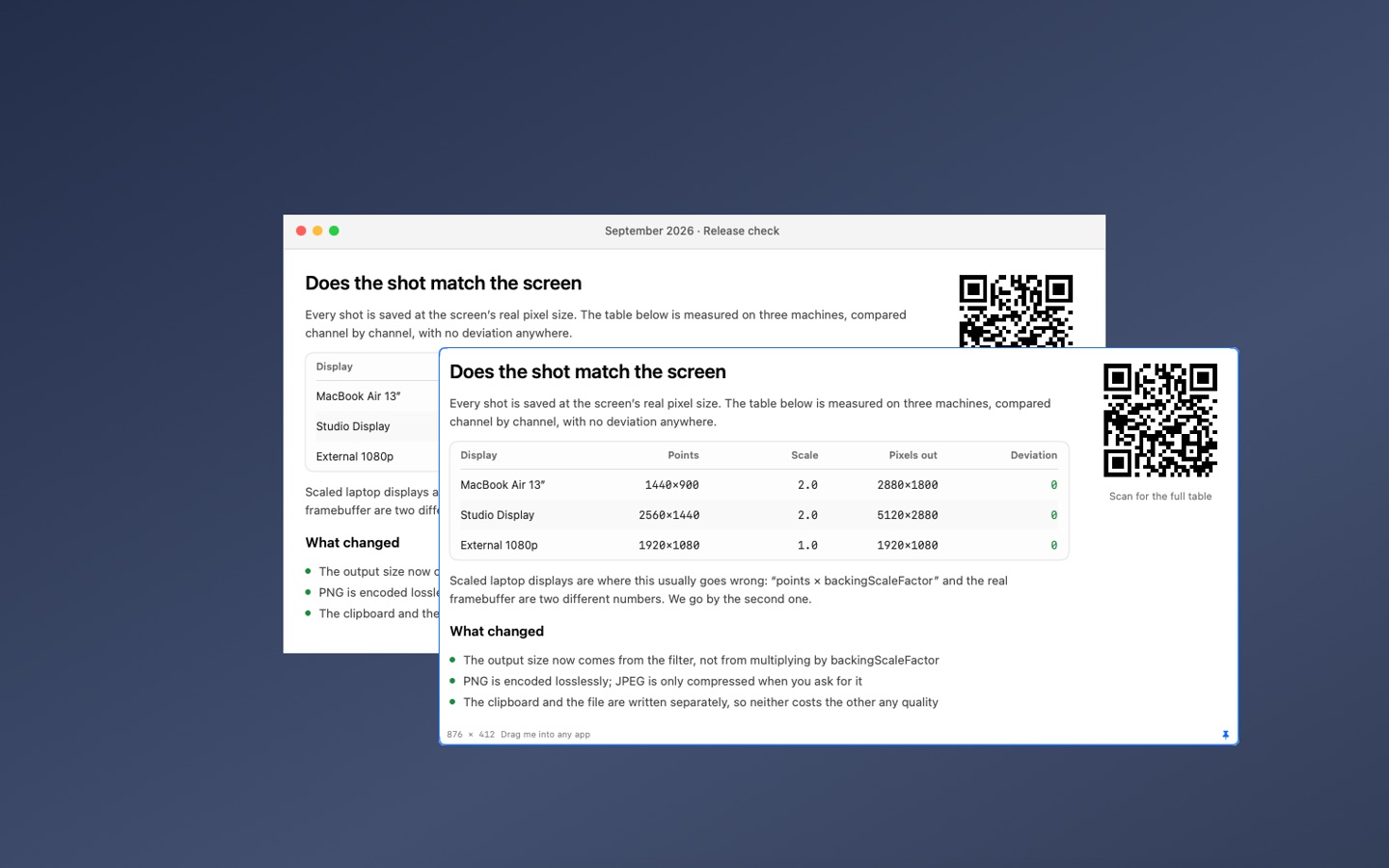
Pin a shot on top of everything, at any size and opacity, while you work from it.
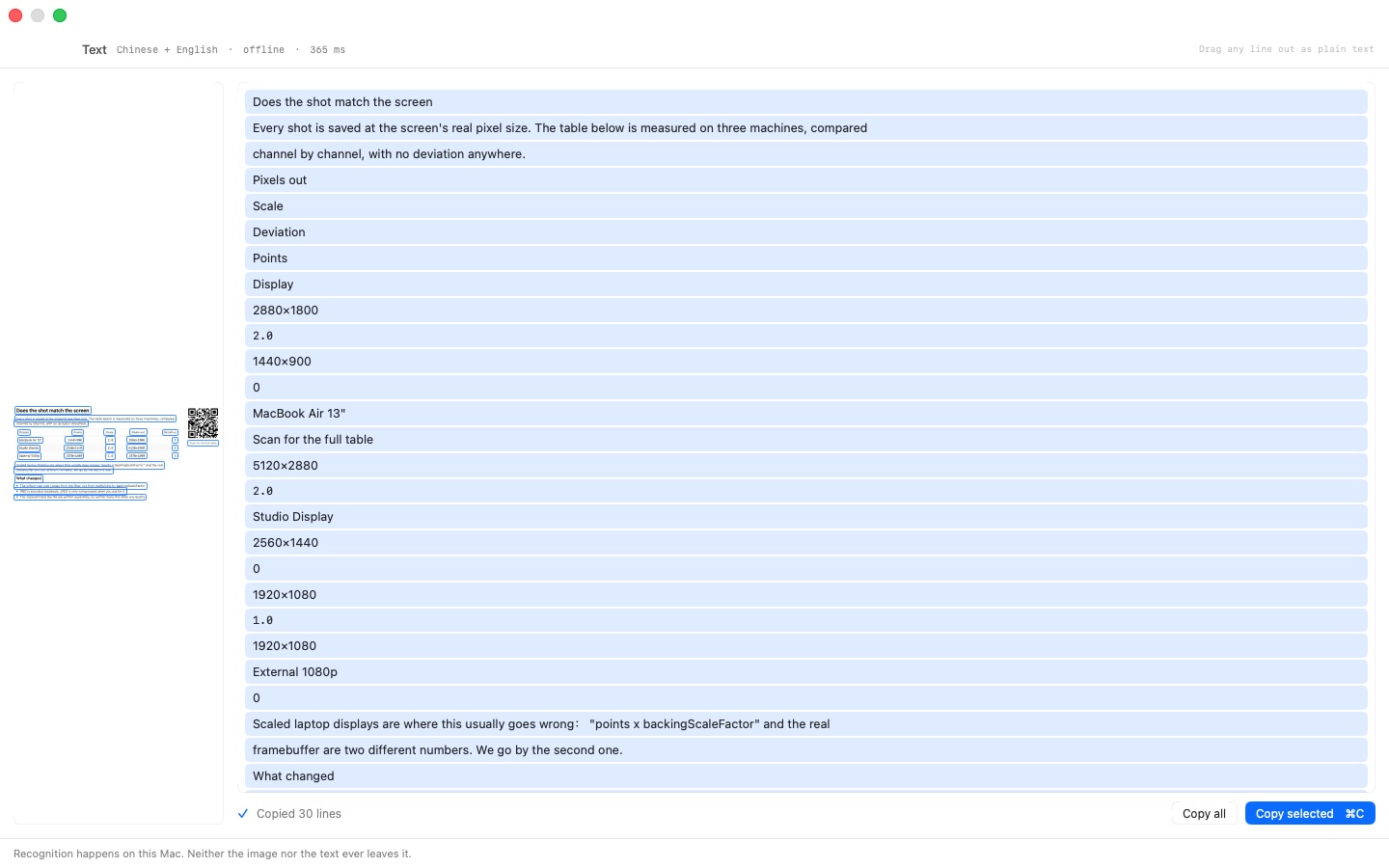
Read the text in any shot — Chinese and English — and QR codes and barcodes too. It all runs on your Mac.
Pick a colour from the magnifier as HEX, RGB, SwiftUI or NSColor.
Drag a shot straight into Finder, Mail or a chat window. Save as PNG, JPEG or PDF.
What it doesn't do
It never asks you to rate it, and never advertises other apps.
No account, no sign-in, no analytics.
It doesn't go online. There is no network permission in the app at all.
No free tier with a watermark or a lower-quality export. You pay once and everything is there, including every 1.x update.
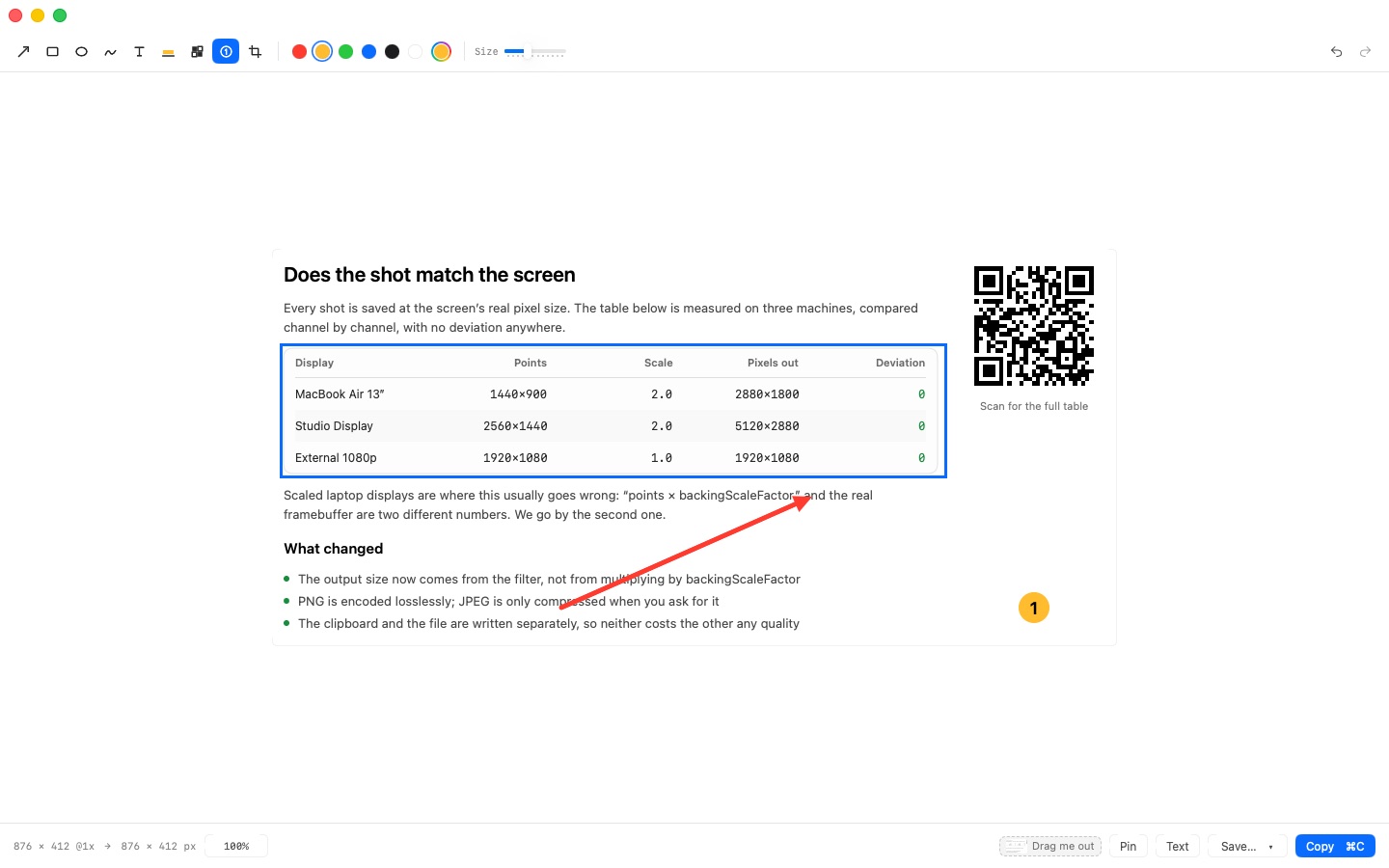
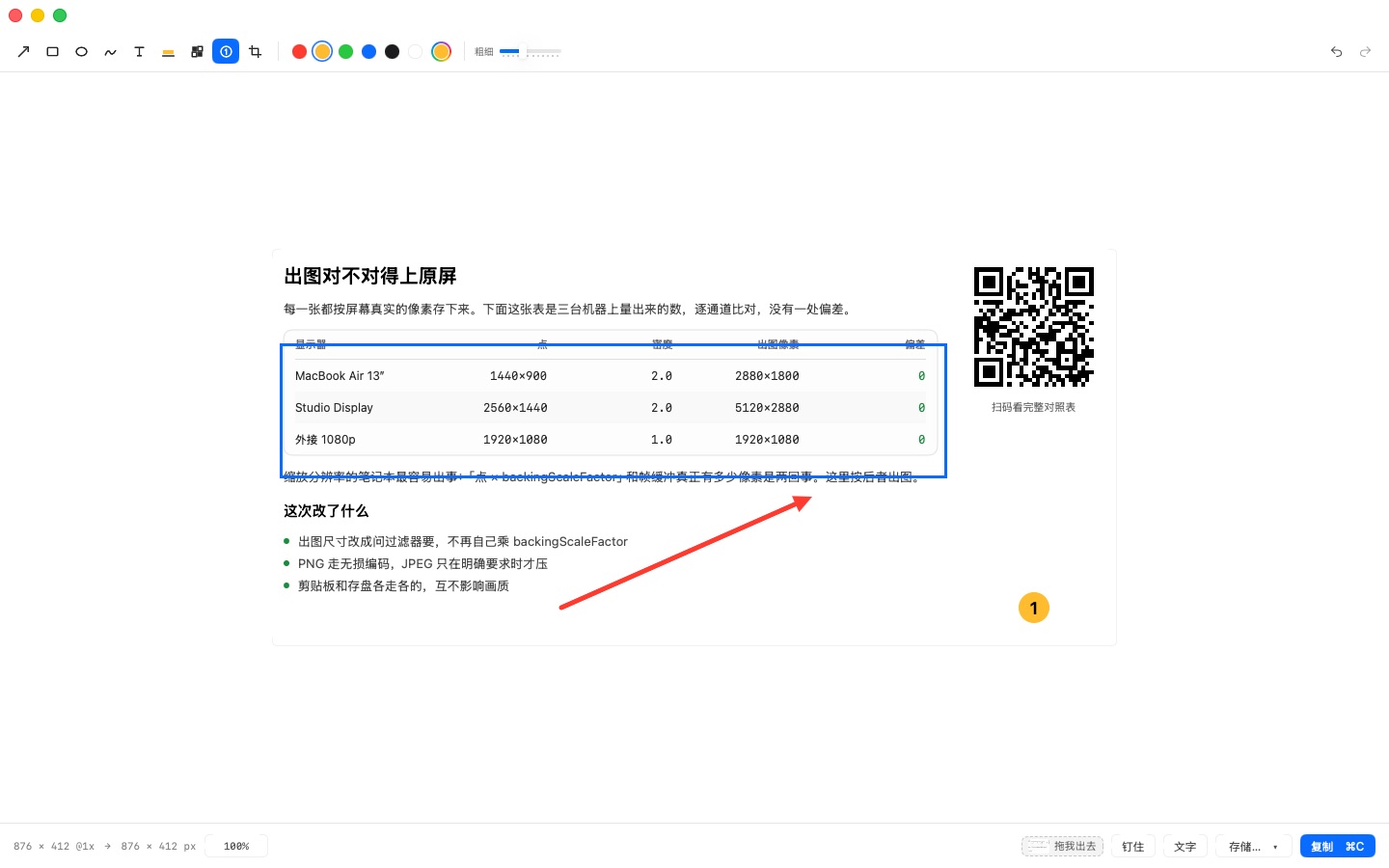
The editor opens as soon as you let go: arrows, boxes, numbered steps, mosaic, crop. Undo and redo.Grab the text from a shot, in Chinese or English, straight onto the clipboard — offline.Pin a shot on top while you work from it. Resize it, fade it, drag it out.
Two things to know
Why it asks for Screen Recording
macOS puts screenshots behind the “Screen Recording” permission — there is no separate one. Sharpshot reads a single frame at the moment you press the shortcut, and only then. It never records in the background, and nothing leaves your Mac.
Where your shots go
Not the Desktop. Sharpshot saves to ~/Pictures/Sharpshot/ by default, so your Desktop stays clean. You can pick any folder in Settings, or turn saving off and keep only the clipboard copy.