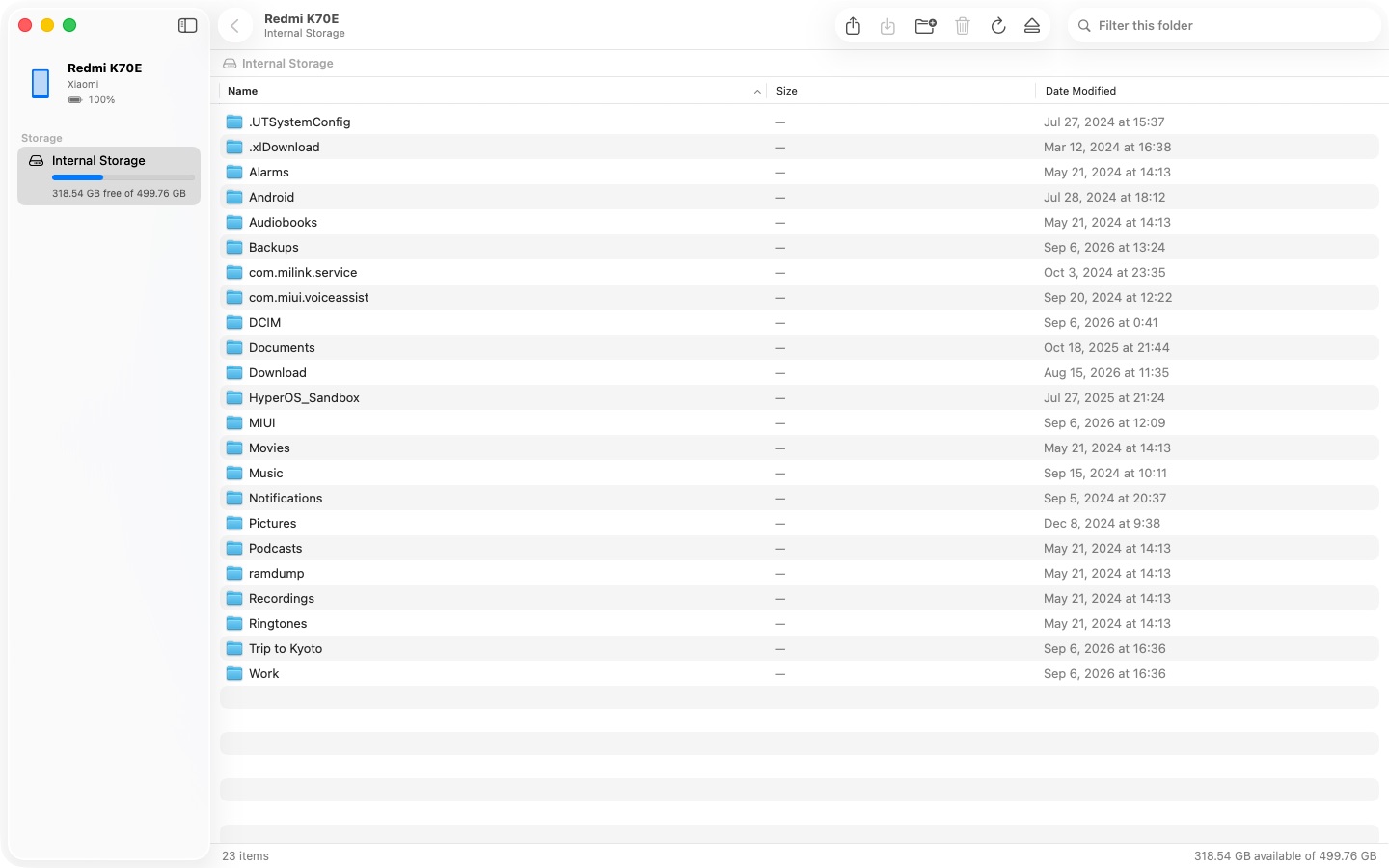
The Android File Transfer replacement for Mac. Plug in. Drag files. Done.
Download free on the Mac App Store
Free download · One-time unlock · macOS 14 or later · English and Simplified Chinese · No account, no subscription
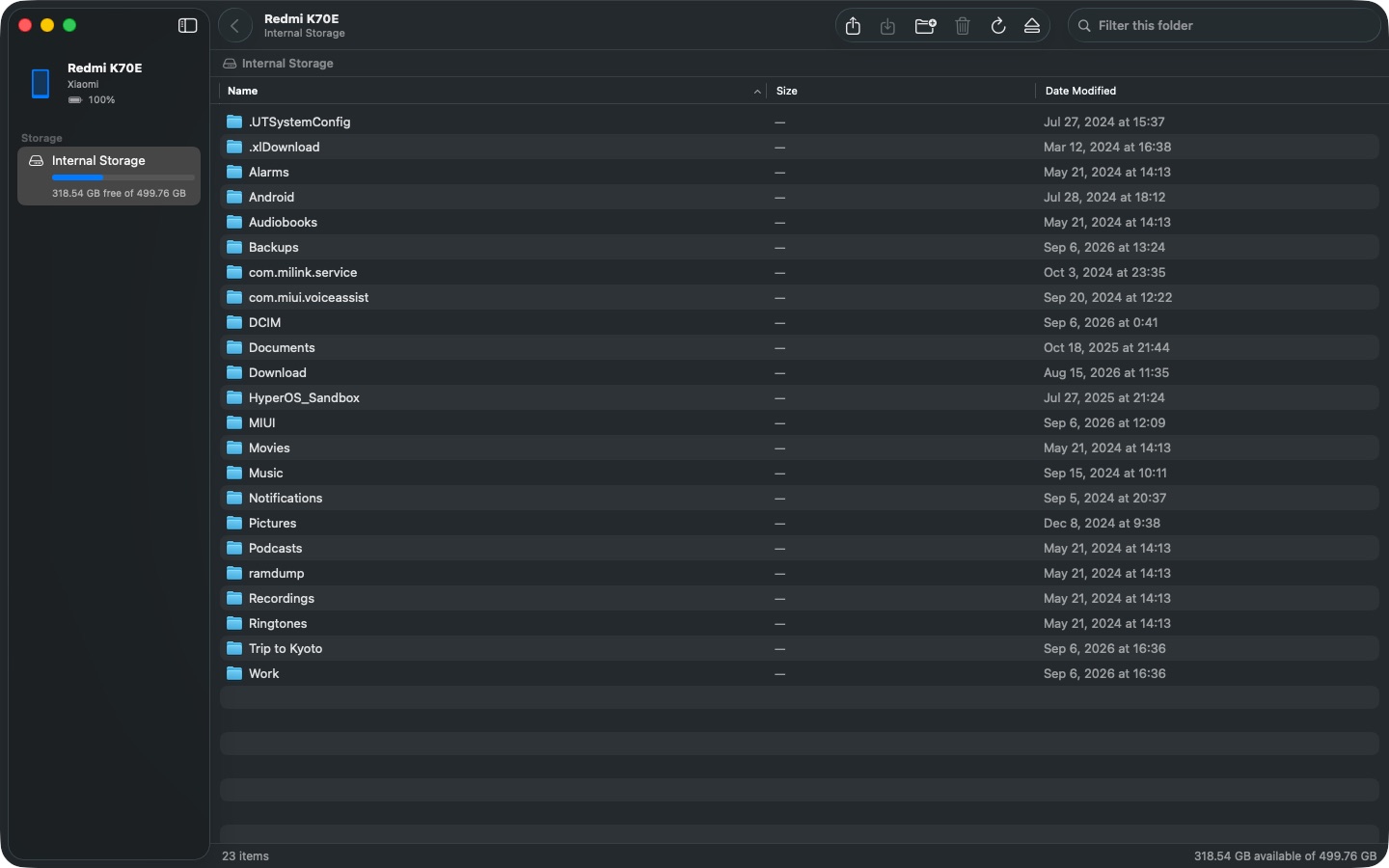
Plugged moves files between your Mac and any Android phone, tablet or MTP device over a USB cable. No drivers, no helper tools, no account, no Wi-Fi setup — plug in, choose “File Transfer” on the phone, and your files appear in a window that works like Finder.
Android File Transfer was pulled from Google's site in 2024 and no longer works reliably on current macOS. Plugged does the same job with the standard MTP protocol every Android device speaks — and it does it without kernel extensions, background helpers or Finder mounts that fail.
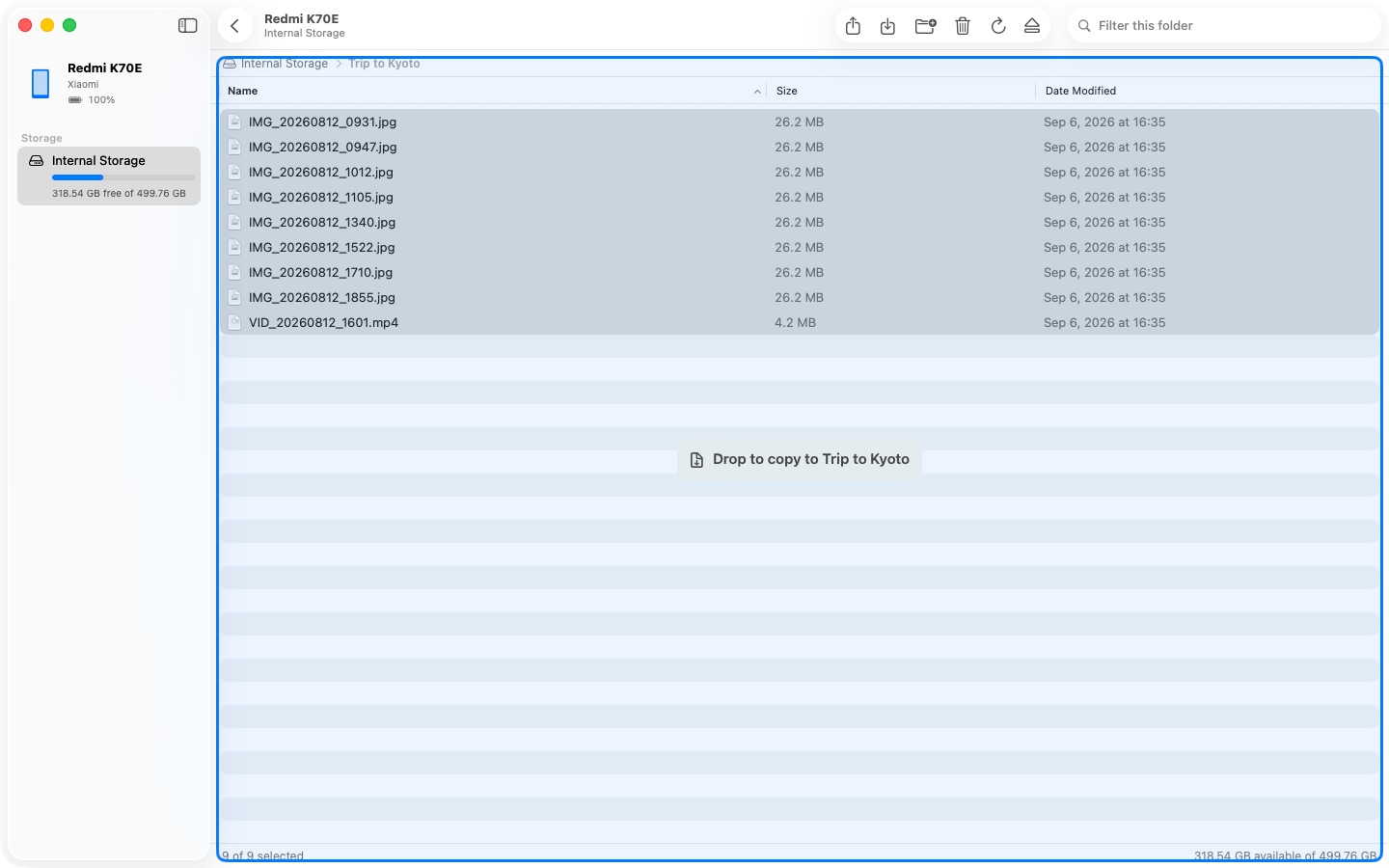
Free to download. Browsing, previewing and copying from your phone to Mac are free, with no limits. A $4.99 one-time purchase unlocks copying to your phone and managing its files. No subscription. Previous paid-download customers stay fully unlocked.
Samsung Galaxy, Google Pixel, Xiaomi / Redmi / POCO, OnePlus, OPPO, vivo, Motorola, Sony, Nothing and every other Android phone or tablet, plus other MTP devices: Boox and other e-readers, Anbernic and similar handheld consoles, DJI remote controllers, Nintendo Switch, cameras in MTP mode.
Plugged detects each of these situations and shows the steps on screen. More in the support page.
Download free on the Mac App Store
Transfer speed depends on the device; USB 2.0 phones typically reach 20–40 MB/s.
免费下载。浏览、预览、手机拷到 Mac 免费,不限量。一次性内购解锁 Mac 拷到手机,以及手机上的重命名、移动、删除和新建文件夹。不订阅,原付费用户保持全部解锁。
Android File Transfer 停更后的替代品:手机插上线,文件两边拖。
免费下载 · 一次性解锁 · macOS 14 或更新 · 中英双语 · 不用账号,不订阅
插线传在 Mac 和任何安卓手机、平板或 MTP 设备之间用 USB 线传文件。不装驱动、不装后台程序、不用账号、不折腾 Wi-Fi——插上线,在手机上选「传输文件」,文件就出现在一个像访达一样的窗口里。
小米 / Redmi / POCO、华为、荣耀、OPPO、vivo、一加、三星 Galaxy、Google Pixel、魅族、努比亚等所有安卓手机和平板,以及其他 MTP 设备:文石等电子书阅读器、Anbernic 等复古掌机、大疆遥控器、Switch、MTP 模式的相机。
以上每一种情况插线传都会识别出来,把对应的步骤显示在屏幕上。更多见支持页。